Webinar Content Ideas After Event: 10 High-ROI Tactics to Automate Now
Discover 10 practical webinar content ideas after event to create a month of marketing assets and prove ROI fast.
That 60-minute webinar you just hosted? The one that cost thousands of US Dollars in speaker fees, platform costs, and promotion? Don't let it become a digital relic. Most marketing teams treat webinars as one-off, live events, but the savviest B2B marketers know they are content goldmines. The real ROI isn't in live attendance figures; it's unlocked by systematically extracting and deploying the valuable insights from the recording.
But here’s the problem: manually repurposing webinars is a time-consuming, expensive nightmare. Clipping videos, transcribing text, and designing dozens of social media graphics kills momentum and drains your budget. It often requires hiring freelancers or juggling multiple, disconnected software tools, making the entire process inefficient and slow.
This article provides a strategic blueprint with 10 actionable webinar content ideas after event that will save you time and demonstrate clear ROI. Forget generic advice. This is a practical framework to transform one hour of recording into over 30 days of high-performing marketing assets—from SEO-rich articles and LinkedIn carousels to sales-ready playbooks. With effective content repurposing strategies, you can forget the manual grind. We’ll show you a faster, smarter way to prove the value of your webinar programme without hiring, extra tools, or manual work.
1. Expert Q&A Compilation Videos
One of the most valuable yet underutilised sections of any webinar is the live Q&A session. This is where your audience reveals their most pressing challenges and your experts provide direct, unscripted answers. Isolating these moments is a powerful strategy, making this one of the most effective webinar content ideas after an event. By extracting each question and its corresponding answer, you can create a series of focused, high-value micro-videos.
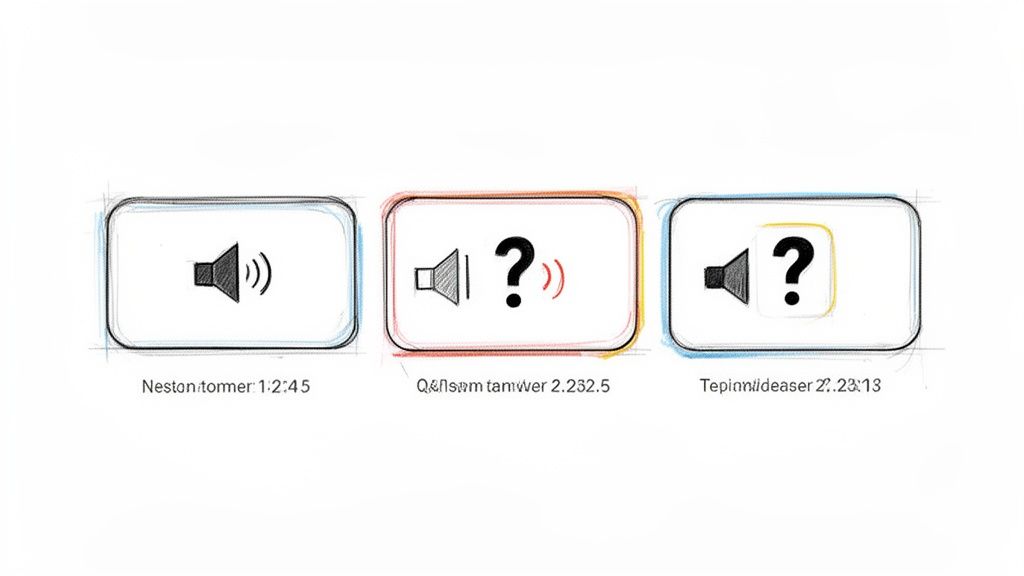
These short-form videos (ideally 60-90 seconds) directly address specific audience pain points, making them perfect for social media channels like LinkedIn and YouTube Shorts. For instance, a SaaS company can share a clip of their Head of Product answering a tricky integration question on LinkedIn, demonstrating expertise and generating leads. Your sales team can send these clips directly to prospects who have raised similar objections, using targeted content to overcome barriers and accelerate the sales cycle.
How to Implement This Strategy
- Organise by Topic: Group the Q&A videos into thematic playlists, such as "Getting Started," "Advanced Features," or "Industry Best Practices." This makes it easier for viewers to find relevant answers and increases watch time on platforms like YouTube.
- Add Clear CTAs: End each video with a clear call-to-action. This could be a link to a related blog post, a product landing page, or a booking page for a demo. Customise the CTA to match the question's context.
- Build a Knowledge Hub: Create a searchable repository of these Q&A videos on your website. This becomes an evergreen resource for both new prospects and existing customers, reducing the burden on your support team and showcasing your brand's authority.
- Go Global Instantly: Use a platform like RepurposeMyWebinar to automatically generate subtitles and translate them into over 30 languages, instantly making your expert insights accessible to a global audience without any manual work.
2. Audio Series and Audiograms (Podcasts & Clips)
While webinars are a visual medium, their audio track is often packed with valuable insights that are perfect for on-the-go consumption. Repurposing your webinar audio into podcasts and audiograms is a powerful strategy to reach audiences who prefer listening over watching. This approach transforms a single event into an ongoing source of engaging audio content, making it a cornerstone of effective webinar content ideas after an event. By stripping the audio, you can create both long-form podcast episodes and bite-sized, shareable audiograms.
This method caters directly to the growing popularity of podcasts and short-form audio on social media. A 45-minute webinar can become a full podcast episode, complete with a professional intro and outro. Simultaneously, you can extract impactful 30-60 second clips to create audiograms—static images paired with audio and animated waveform graphics. Companies like Gong use these audiograms on LinkedIn to share powerful sales insights, capturing attention in a visually noisy feed and driving listeners to their full-length content.
How to Implement This Strategy
- Create Engaging Audiograms: Isolate short, impactful quotes or key takeaways from your webinar audio. Use these 15-60 second clips to create audiograms with a compelling headline, your brand colours, and animated subtitles to maximise engagement on platforms like LinkedIn and Instagram.
- Launch a Podcast Series: Edit the full webinar audio to remove any irrelevant chit-chat or technical pauses. Add a branded intro and outro, then publish it as a podcast episode on platforms like Spotify and Apple Podcasts. Craft a search-optimised title and detailed show notes with timestamps.
- Batch Your Content: A single one-hour webinar can easily yield one full podcast episode and 5-10 distinct audiograms. Batch-creating these assets allows you to build a consistent content calendar for weeks, ensuring your brand stays top-of-mind without constant manual effort.
- Cross-Promote Your Assets: Use the audiograms on social media to promote the full podcast episode. Include a clear call-to-action in your social post, such as "Listen to the full conversation on our latest podcast episode - link in bio!" This creates a cohesive content ecosystem that caters to different consumption habits.
3. SEO-Optimised Blog Articles with Internal Linking
Your webinar is a goldmine of expert knowledge, and transforming its transcript into a long-form blog article is a cornerstone of effective content marketing. This strategy turns a one-time live event into an evergreen SEO asset that attracts organic traffic long after the webinar concludes. By structuring the content with keyword-optimised headers, you create a powerful resource that can rank on search engines for valuable terms.
This is one of the highest-ROI webinar content ideas after an event because it directly fuels your inbound marketing engine. Companies like HubSpot leverage this exact webinar-to-blog strategy to drive hundreds of thousands of organic visitors monthly. A well-optimised article (typically 1,500-2,500 words) based on your webinar not only showcases your authority but also acts as a lead generation tool, capturing interest from prospects actively searching for the solutions you discussed. It answers specific questions, builds topical authority, and gives your sales team a valuable asset to share.
How to Implement This Strategy
- Target Strategic Keywords: Use SEO tools like Ahrefs or SEMrush to identify 3-5 primary and secondary keywords your audience is searching for. Ensure you front-load the most important keyword in your title, meta description, and the first 100 words of the article.
- Structure for Readability and SEO: Use the webinar's agenda to create a logical structure with H2 and H3 tags. Break up text with bullet points, images, and blockquotes featuring key statistics or insights from the event. Learn more about the most effective steps to convert your webinar into a blog post.
- Embed a Lead Capture CTA: Include a prominent call-to-action within the article, such as a "Download the full webinar recording" or "Get the presentation slides" button, linking to a gated landing page to capture leads.
- Build Topic Clusters: Implement a smart internal linking strategy. Cross-link the new article to other relevant blog posts, product pages, or case studies on your site. This helps search engines understand your expertise on the topic and boosts your overall authority.
4. LinkedIn-Style Native Posts and Carousels
LinkedIn is the ultimate B2B playground, and your webinar content provides the perfect fuel for building authority and engagement. Instead of just sharing a link to the recording, deconstruct your webinar's core insights into native formats that the platform's algorithm favours. This is one of the most direct webinar content ideas after an event for reaching a professional audience where they are most active. Transform key statistics, frameworks, and expert quotes into text-only posts, single-image graphics, and multi-slide carousels.
These formats are designed for high-dwell time and interaction. For instance, a sales leader can turn a webinar segment on objection handling into a 7-slide carousel detailing a proven framework, generating thousands of impressions and positioning themselves as an industry expert. Similarly, a simple text post using the 'Hook-Story-Payoff' model can summarise a powerful attendee anecdote from the webinar, making the content relatable and encouraging comments, which boosts algorithmic reach.
How to Implement This Strategy
- Build a Content Calendar: Extract enough key takeaways, quotes, and data points from one 60-minute webinar to create a 4-week LinkedIn posting schedule. Mix formats between text posts, carousels, and image quotes to keep your feed fresh.
- Optimise for Engagement: Frame your posts with a strong hook to stop the scroll. Ask a direct question in the caption to encourage comments, and tag any speakers, attendees, or companies mentioned to expand your post's visibility.
- Use First-Person Storytelling: Whenever possible, frame insights from an individual's perspective (e.g., your webinar host or an executive). Posts written in the first person often see significantly higher engagement as they feel more authentic.
- Drive Traffic Strategically: For longer-form content like carousels, add a clear call-to-action on the final slide. A simple "Read the full analysis on our blog" can effectively convert social media engagement into valuable website traffic. For a deeper dive, learn how to create high-impact LinkedIn posts from your webinar without the manual effort.
5. Image Quote Graphics for Social Media
Your webinar is filled with powerful, quotable moments from your speakers. Isolating these key takeaways, statistics, and punchy statements to create branded image graphics is a time-tested strategy for extending your webinar's reach. This approach transforms insightful soundbites into visually appealing, shareable assets, making it one of the most efficient webinar content ideas after an event. You can generate 6-16 image quotes from just one webinar.
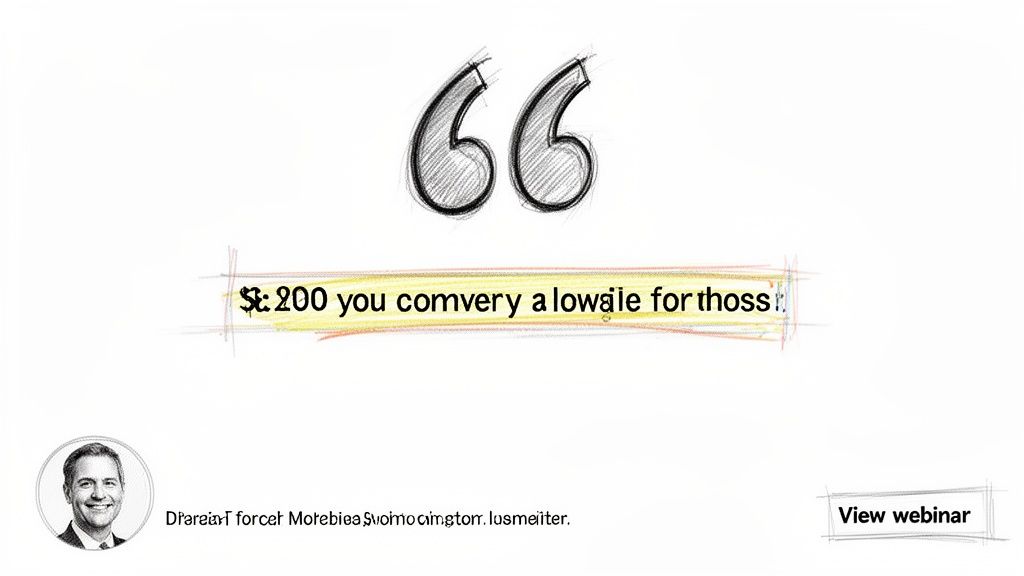
These shareable visuals stop the scroll on crowded feeds like LinkedIn, Instagram, and X (formerly Twitter). For example, a fintech company can pull a key statistic about market trends and display it in a bold, branded graphic, generating thousands of impressions and positioning itself as a data-driven authority. Marketing teams can schedule a single webinar's worth of quote graphics to fuel their content calendar for an entire month, maximising the ROI from one event. This consistent stream of professional content keeps the conversation going long after the live session ends.
How to Implement This Strategy
- Prioritise Brevity and Impact: Identify short, powerful quotes and standalone statistics. These are the most likely to be shared. For longer insights, break them into a series of connected graphics. You can learn more about how to extract the most impactful quotes from your webinar with our dedicated guide.
- Attribute for Authority: Always include the speaker's name, title, and headshot on the graphic. This adds credibility, gives proper credit, and encourages the speaker to share the content with their own network, amplifying your reach.
- Design for Readability: Use your brand’s colours and fonts, but ensure high contrast between the text and background. This is crucial for readability on small mobile screens. Include a subtle brand logo and a source link or hashtag referencing the original webinar.
- Systemise and Schedule: Create a set of branded templates in various sizes optimised for different platforms (e.g., square for Instagram, vertical for Pinterest). Use a scheduling tool to distribute the graphics you generate from one webinar across all channels over several weeks for sustained engagement.
6. Customer Success Case Studies and Testimonials
When a satisfied customer speaks during your webinar, their words carry immense weight. These moments of authentic advocacy are pure gold, providing powerful social proof that resonates far more than a marketing slogan ever could. Extracting these customer success stories to create standalone case studies and testimonials is one of the most strategic webinar content ideas after an event, directly addressing buyer objections with real-world evidence.
These assets are invaluable for sales enablement and bottom-of-the-funnel marketing. Imagine isolating a 2-minute clip where a client details how your software saved their team 10 hours a week. This video can be sent directly to a prospect in a similar industry who is concerned about implementation time. Companies like Salesforce and HubSpot have built empires on this strategy, using a vast library of customer stories to build trust, accelerate sales cycles, and demonstrate tangible ROI.
How to Implement This Strategy
- Structure Your Case Study: Create a simple, reusable template for both video and written formats. A classic and effective structure is: Challenge (the problem the customer faced), Solution (how your product/service helped), and Results (the specific, quantifiable outcomes).
- Highlight Key Metrics: Scrutinise the customer's segment for specific data points. Did they mention a percentage increase in efficiency, a reduction in costs, or a specific ROI figure? Pull these numbers out and make them the headline of your asset for maximum impact.
- Secure Formal Permission: Always obtain written permission from the customer before publishing their story, name, or company logo. A simple release form protects both parties and formalises the agreement. Share the final asset with them for approval before it goes live.
- Develop Persona-Specific Variations: Don't just create one case study. Edit the same customer story into 2-3 different versions, each tailored to a specific buyer persona. One version might focus on financial ROI for a CFO, while another highlights usability for a day-to-day user.
7. Sales Enablement Playbooks and Conversation Guides
Extracting your webinar’s top objection-handling moments and expert insights into Sales Enablement Playbooks and Conversation Guides transforms one-off events into perpetual revenue drivers. By organising talking points, competitor comparisons and proof points into structured sequences, your sales teams gain on-demand resources that align with real customer questions. This approach was popularised by SalesLoft’s playbook framework, used by over 5,000 sales teams, and reinforced by Gong’s conversation intelligence and Outreach’s execution platform.
These playbooks typically package content as PDFs, annotated recordings or even Slack-searchable knowledge bases. Imagine a 60-minute webinar turned into a series of one-page guides that reps can reference mid-demo. The result is faster onboarding, higher demo-to-opportunity conversion rates and consistent messaging across regions.
How to Implement This Strategy
- Objection → Counter-argument → Proof point → Close
Structure each playbook entry around a common objection, your best rebuttal, supporting data or customer quote, and a closing prompt. - Add Competitor Comparisons
Include 3–5 side-by-side battle cards to highlight your differentiators in context. - Embed Customer Quotes and Metrics
Weave in real webinar soundbites and performance stats to boost credibility. - Create Mobile-Friendly One-Pagers
Trim long playbooks into pocket-sized PDFs for on-the-go reference during calls. - Pair with Before-and-After Call Clips
Link to recorded role-plays showing the script in action for experiential learning. - Deploy in Slack or MS Teams
Use RepurposeMyWebinar to auto-generate searchable transcripts and deliver them directly into your sales channels. - Track Adoption and Impact
Monitor CRM activity and call outcomes to measure playbook usage and ROI in US Dollars saved on training. - Quarterly Updates Based on Feedback
Refresh content with fresh objections, new market data and updated customer success stories.
By centralising webinar insights into living sales guides—and automating the process with RepurposeMyWebinar—you eliminate manual effort, multiple tools and external hires. Your team gains real-time access to the exact talking points they need to close deals faster and more consistently.
8. Micro-Learning Video Modules for Customer Training
Your webinar isn't just a marketing event; it's a valuable educational asset waiting to be unlocked. By deconstructing the full-length recording into bite-sized, topic-specific videos, you can create a powerful micro-learning library. This is one of the most strategic webinar content ideas after an event because it transforms a one-time presentation into an evergreen customer onboarding and training resource, boosting product adoption and reducing support tickets.
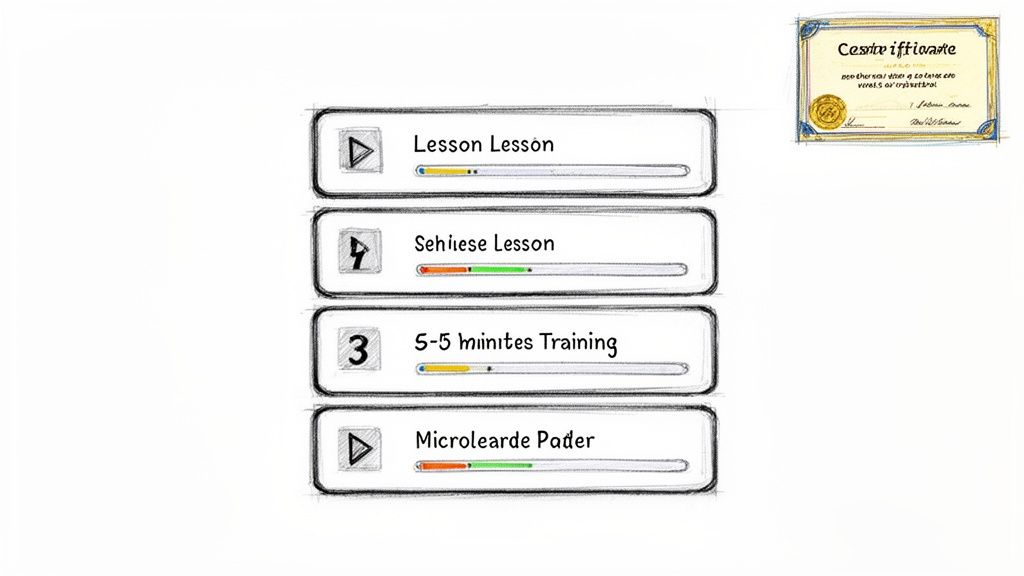
These focused modules, typically 2-5 minutes long, guide users through specific features or concepts at their own pace. Think of how effectively platforms like Salesforce Trailhead and HubSpot Academy use this model to create certified, proficient users who become brand advocates. You can build similar self-service training programmes or certification paths, establishing your brand as a definitive industry educator and increasing customer lifetime value without draining your support team's resources.
How to Implement This Strategy
- Focus on Single Objectives: Each micro-learning module should cover just one to three core learning objectives. This clarity prevents overwhelm and makes it easier for users to find solutions to specific problems.
- Create Structured Learning Paths: Organise modules into logical sequences, such as "Beginner," "Intermediate," and "Advanced" paths. Add visual cues like "time to complete" and difficulty badges to motivate learners and help them manage their time.
- Incorporate Interactive Elements: Enhance engagement by adding short quizzes or knowledge checks at the end of each video. This reinforces learning and allows you to track comprehension, highlighting areas where users might be struggling.
- Provide Supporting Resources: Include downloadable checklists, templates, or PDF transcripts with each module. This adds value, caters to different learning styles, and improves accessibility for all users.
9. Thought Leadership Email Sequence and Newsletter Features
Your webinar is more than a one-time event; it’s a foundational piece of a larger lead nurturing strategy. Instead of sending a single "here's the recording" email, segment your webinar's core insights into a multi-part email sequence. This approach drip-feeds value to your audience, keeping your brand top-of-mind and guiding leads further down the funnel, making it one of the most strategic webinar content ideas after an event.
A thought leadership email sequence breaks down your hour-long webinar into three to five digestible lessons, delivered over a week or two. Each email can spotlight a different key takeaway, a powerful statistic, or a memorable speaker quote. For example, a fintech company could follow up a "Future of Payments" webinar with emails on "Day 1: The Rise of Real-Time Payments," "Day 3: AI's Role in Fraud Detection," and "Day 5: Navigating New Regulations." This method transforms a passive viewing experience into an engaging educational journey.
How to Implement This Strategy
- Segment Your Audience: Create two distinct sequences: one for attendees and another for those who registered but did not attend. Tailor the messaging to acknowledge their engagement level, for instance, using phrases like "To build on what we discussed..." for attendees.
- Focus Each Email: Dedicate each email to a single, powerful concept from the webinar. Include a compelling quote, a key statistic, or a short video clip (use a thumbnail with a play button that links to the video) to reinforce the point.
- Optimise for Engagement: Space emails two to three days apart to maintain momentum without causing fatigue. Use different hooks and subject lines for each email to pique curiosity and highlight distinct benefits.
- Drive Strategic Actions: Embed targeted calls-to-action (CTAs) in every email. Link to a relevant blog post, offer a related gated asset, or prompt them to book a demo. Ensure the CTA aligns directly with the email's micro-topic.
10. Interactive Content: Infographics, Checklists, and Downloadable Tools
A webinar is packed with frameworks, data, and step-by-step processes that are often too dense to absorb in a single sitting. Transforming this valuable information into tangible, interactive assets is a powerful way to extend your webinar's impact. This makes developing downloadable tools one of the most strategic webinar content ideas after an event, turning passive viewers into engaged leads. By creating assets like checklists, templates, or infographics, you give your audience a practical tool they can use immediately, cementing your brand's authority.
These gated resources act as high-conversion lead magnets, capturing new contacts long after the live event has ended. For instance, a marketing agency can convert a webinar on SEO best practices into a downloadable "SEO Audit Checklist," capturing leads from their blog and social channels. Similarly, a software company can offer a "Project Plan Template" based on a product workflow demonstrated during their webinar, providing immediate value while showcasing their solution's utility. These assets are perfect for nurturing leads and accelerating the buyer's journey.
How to Implement This Strategy
- Create High-Value Assets: Focus on creating 1-2 premium lead magnets per webinar. A checklist should contain 7-10 actionable items, hitting the cognitive sweet spot for usability. For infographics, use brand-specific data from your webinar to make them unique and shareable.
- Optimise for Conversion: Gate the content behind a simple form, asking for only 2-3 fields (e.g., name, email, company) to maximise conversion rates. Ensure the landing page clearly communicates the value of the download.
- Implement Immediate Nurture: Follow up with an automated email nurture sequence within one hour of the download. The first email should deliver the asset and the subsequent ones can offer related content, case studies, or a demo invitation.
- Promote Across Channels: Share your new interactive assets widely. Promote the checklist on LinkedIn, embed the infographic in a related blog post, and feature the template in your email newsletter to maximise its reach and lead-generation potential.
10-Point Comparison of Post-Webinar Content Ideas
| Content Type | Implementation Complexity | Resource Requirements | Expected Outcomes | Ideal Use Cases | Key Advantages |
|---|---|---|---|---|---|
| Expert Q&A Compilation Videos | Low–Medium — simple clipping & edits | Webinar recording, clipper/AI tool, captions, branding | Short-form engagement, improved SEO coverage | Social snippets, lead follow-up, sales enablement | Fast to produce; addresses real audience questions |
| Audio Series and Audiograms (Podcasts & Clips) | Medium — audio cleanup & podcast setup | Audio editor, hosting/RSS, waveform tools, scripts | Multiple audio assets; deeper listener engagement | Podcast launch, LinkedIn audio clips, repurposing long content | Drives recurring audience; multiplatform audio reach |
| SEO-Optimized Blog Articles | Medium–High — restructure + SEO work | Writer/SEO tools, transcript, CMS, keyword research | Long-term organic traffic and authority | Evergreen content, high-intent search traffic, thought leadership | Sustained ROI; improved search visibility |
| LinkedIn-Style Native Posts and Carousels | Low–Medium — design + copy optimization | Design templates, copywriter, scheduling tool | Higher LinkedIn engagement and impressions | Executive branding, B2B outreach, event snippets | Native format boosts engagement; carousels increase interaction |
| Image Quote Graphics for Social Media | Low — quick design and export | Design tool, Brand Kit, bulk export capability | Increased shares and social reach | Social engagement, brand awareness, influencer shares | Extremely fast to create; highly re-shareable |
| Customer Success Case Studies & Testimonials | Medium — permissions and production | Customer coordination, legal review, video/pdf production | Higher conversion rates and sales credibility | Enterprise sales, objection handling, sales collateral | Powerful social proof; directly supports sales |
| Sales Enablement Playbooks & Conversation Guides | Medium–High — customization + integration | Sales input, CRM integration, documentation tools | Faster rep ramp, more consistent messaging | Sales teams, onboarding, deal coaching | Improves close rates; repeatable sales methodology |
| Micro-Learning Video Modules for Training | Medium — segmentation and LMS integration | LMS, captioning, instructional design, quizzes | Higher completion & retention; faster product adoption | Customer onboarding, certification, internal training | Short modules increase retention; trackable progress |
| Thought Leadership Email Sequence & Newsletters | Low–Medium — sequencing & segmentation | Email platform, copywriter, personalization tokens | Improved nurturing, higher conversion vs single emails | Lead nurture, attendee follow-up, premium newsletters | High ROI; extends webinar lifecycle and engagement |
| Interactive Content (Infographics, Checklists, Tools) | Medium–High — design + gating & tracking | Designer/dev, landing pages, CRM integration, analytics | Strong lead capture and conversion rates | Gated lead magnets, high-intent prospect capture | High perceived value; interactive content converts well |
Automate Your Webinar Repurposing and Save 20+ Hours Per Week
The sheer volume of high-quality webinar content ideas after event that we have explored highlights a powerful truth: your webinar is not a one-off event. It is a renewable resource, a content goldmine capable of fuelling your entire marketing ecosystem for weeks, if not months. From transforming the Q&A into compelling expert clips and generating SEO-optimised blog articles to creating LinkedIn carousels and sales enablement playbooks, the potential is vast. The true challenge isn't a lack of ideas; it's the lack of time, resources, and streamlined processes to bring them to life.
This is where most marketing teams falter. The cost of a webinar, both in terms of budget (often thousands of US Dollars) and time, is substantial. Leaving that valuable asset to gather digital dust on a "Resources" page is a colossal waste of potential ROI. Manually executing the ten strategies detailed in this article would require a dedicated team: a video editor, a graphic designer, a copywriter, and a social media manager, all coordinating seamlessly. This manual friction is the number one reason valuable webinar recordings remain underutilised.
The True Cost of Inaction
The real cost of not repurposing your webinar content extends far beyond the initial investment. It represents a significant missed opportunity cost. Every day your webinar recording sits dormant, you are missing out on:
- Consistent social media engagement: Failing to produce micro-content like quote graphics and video clips leaves your social channels quiet.
- Compounding SEO benefits: Neglecting to convert your webinar into a long-form article means you are not capturing valuable organic search traffic.
- Lead generation and nurturing: Without gated assets like downloadable checklists or email sequences, you are not maximising the lead-capture potential of your expert content.
- Sales and customer enablement: Your sales and success teams are left without the powerful, bite-sized assets they need to close deals and educate customers effectively.
Manually tackling this workload is not a scalable solution. It leads to team burnout, inconsistent output, and a slow, painful creative process that simply cannot keep pace with the demands of modern B2B marketing. The key to unlocking your webinar's full potential lies in breaking free from this manual bottleneck. To truly maximise efficiency, explore how dedicated Content Repurposing Tools can automate many of these post-webinar tasks, transforming a week's worth of work into a matter of minutes.
Ultimately, mastering these post-webinar content strategies is about shifting your perspective. Stop viewing your webinar as the end of a campaign and start seeing it as the beginning of a powerful, multi-channel content engine. By adopting an automated, systemised approach, you can finally realise the full return on your event investment, fill your content calendar effortlessly, and establish your brand as a consistent, authoritative voice in your industry.
Ready to stop the manual grind and unlock your webinar's true potential? RepurposeMyWebinar uses AI to automatically transform your webinar recordings into dozens of ready-to-publish assets in minutes. Sign up for your free trial at RepurposeMyWebinar and see how you can turn one event into a month's worth of high-performing content.