12 Best Webinar Content Repurposing Software Tools to Maximise ROI
Unlock more ROI with webinar content repurposing software that turns your webinars into clips, blogs, and social posts, saving time and scaling content.

Your company invests thousands of US Dollars into a single webinar—from speaker fees to promotion—only for it to sit gathering digital dust after the live event. The expertise, insights, and golden soundbites are trapped inside a long-form video, representing a massive underutilised asset. Manually clipping, transcribing, and designing posts is a time-consuming nightmare that kills productivity. You know there's more value to extract, but the process is slow, expensive, and requires juggling multiple tools or hiring a dedicated editor.
What if you could turn one 60-minute webinar into 30 days of high-quality, on-brand content in under 10 minutes? The solution lies in specialised webinar content repurposing software. These powerful platforms use AI to eliminate the manual work, transforming your recordings into a steady stream of blog posts, social media clips, and image quotes without the hassle. They are designed to replace multiple subscriptions and extra hires, directly boosting your ROI.
This guide cuts through the noise to give you a practical, no-nonsense breakdown of the top 12 tools on the market. We will focus on speed, simplicity, and professional results, helping you choose the right software to maximise your content strategy, save hundreds of hours, and finally unlock the full potential of every webinar you produce. Each review includes a detailed analysis of key features, ideal use cases, pros, cons, and direct links so you can find the perfect fit for your team’s specific needs.
1. RepurposeMyWebinar
Best for: All-in-one, on-brand content scaling for B2B marketers and agencies.
RepurposeMyWebinar is an AI-driven content engine built to solve a critical B2B marketing pain point: the underutilisation of expensive webinar assets. It excels at transforming a single, hour-long recording into a full month's worth of publish-ready content—from 6-16 image quotes to dozens of social posts—effectively eliminating the manual, multi-tool workflow that consumes hours of valuable team time. Its core promise is speed and scale, processing most webinars in just 5 to 10 minutes and delivering a suite of assets that are automatically aligned with your brand identity.
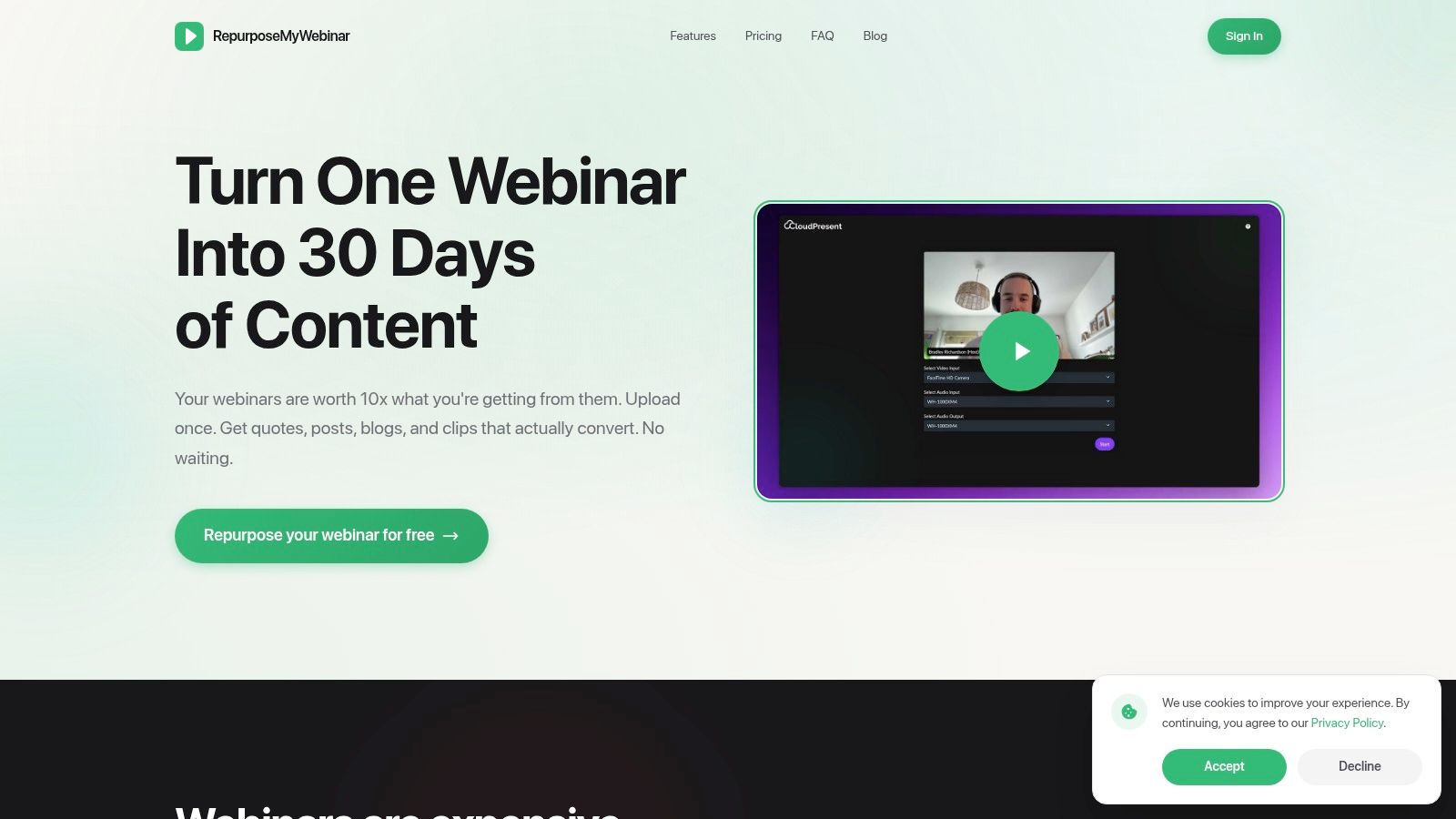
This platform is the standout choice for teams seeking a unified solution for webinar content repurposing software that eliminates the need to hire editors or juggle subscriptions. By uploading a video or audio file, you can generate a comprehensive range of marketing materials without needing separate tools for transcription, video editing, or graphic design. The integrated Brand Kit is a key differentiator, allowing you to pre-load logos, fonts, and colour palettes to ensure every asset, from video clips to image quotes, maintains perfect brand consistency with zero manual effort.
Key Features and Outputs
RepurposeMyWebinar offers an impressive breadth of content types, all generated from a single source file:
- Short-Form Video Clips: AI identifies and extracts the most impactful moments, turning them into shareable clips for platforms like LinkedIn, TikTok, and YouTube Shorts.
- SEO-Optimised Blog Articles: It transcribes the entire webinar and restructures the key insights into a coherent, search-friendly blog post.
- Social Media Content: Generates LinkedIn-style text posts, audiograms for audio-first platforms, and eye-catching image quotes.
- Multi-Language Translations: The platform supports content translation, enabling teams to localise their message and expand their global reach from the same initial webinar.
Pricing and Plans
The platform operates on a flexible, credit-based model with a generous free trial.
- Free Trial: 10 credits per month to test the full functionality.
- Starter Plan: $99 per month for 75 credits.
- Growth Plan: $149 per month for 200 credits.
- Scale Plan: $299 per month for 600 credits, including translations.
Add-on credit packs are available, and annual billing provides a significant discount. Each asset type consumes a different number of credits, allowing teams to choose a plan that aligns with their specific content output needs. For an in-depth guide on maximising your output, you can explore strategies to repurpose webinar content effectively.
Pros:
- Massive Time Savings: Replaces an estimated 5-hour manual workflow with a 5–10 minute AI process.
- All-in-One Branded Output: A single platform delivers video clips, blog posts, social media updates, and more, all styled with your Brand Kit.
- Built for Collaboration: Supports teams and agencies with features like unlimited uploads and tiered storage.
- Flexible Pricing: A free trial and scalable plans allow you to start small and grow as needed.
Cons:
- Credit System Complexity: Users must manage credit consumption, as different assets have different costs, which can become expensive for high-volume users.
- Varying Plan Limits: Features like upload length, storage, and team seats differ significantly between tiers, requiring careful plan selection.
Visit RepurposeMyWebinar
2. Opus / OpusClip
Best for: Teams focused on creating a high volume of social media video clips.
Opus, with its popular OpusClip tool, is a powerful AI-driven platform designed specifically for transforming long-form video content, such as webinars and interviews, into engaging, social-ready short clips. It excels at identifying the most impactful moments within a recording and automatically reframing them for vertical formats like TikTok, Instagram Reels, and YouTube Shorts. This makes it an ideal piece of webinar content repurposing software for teams focused on maximising their social media reach without extensive manual editing.
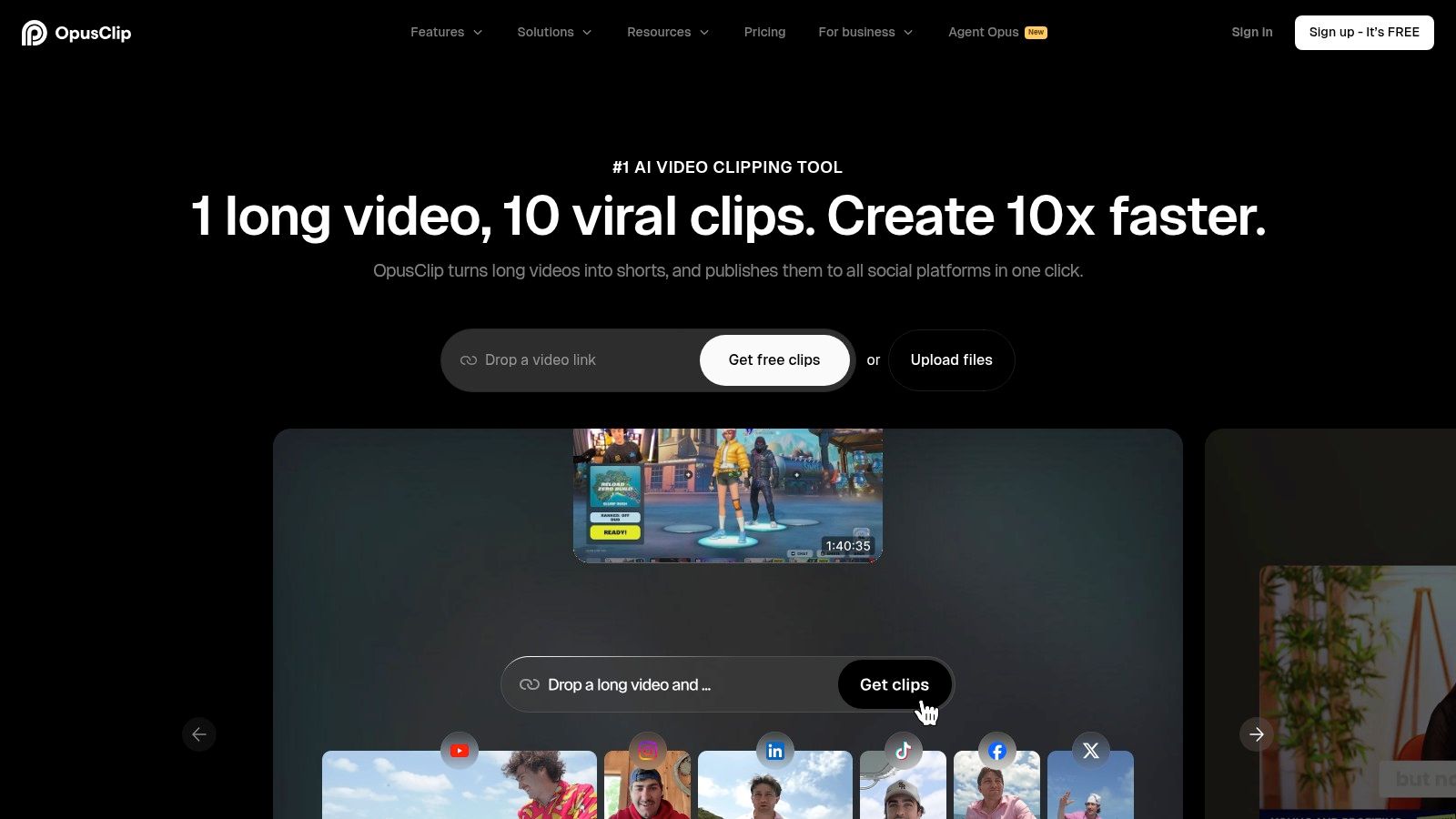
What truly sets Opus apart is its advanced AI, particularly the ClipAnything and Reframe AI models. These go beyond simple speaker detection, analysing context and content to pull out genuinely valuable highlights. For marketing teams and agencies, the platform offers brand templates and team workspaces, ensuring all generated clips maintain a consistent look and feel, reinforcing brand identity across all social channels. Its API access also provides a scalable solution for enterprises or programmatic workflows, automating the clip generation process at a high volume.
Key Features & Use Case
- Powerful AI Models: ClipAnything and Reframe AI automatically identify key moments and reframe videos for vertical viewing, saving significant editing time.
- Brand & Team Controls: Centralised brand kits and team workspaces ensure outputs are always on-brand.
- High-Volume API: Ideal for agencies and large enterprises needing to integrate automated clip creation into their existing systems.
- Multi-Language Support: High-accuracy auto-captions are available in multiple languages, expanding your content's global reach.
Best for: B2B marketing teams and digital agencies who prioritise creating a high volume of social media video clips from their webinar content.
| Pros | Cons |
|---|---|
| Sophisticated AI that extracts high-quality, relevant clips | Pricing is based on a credits model which can be complex |
| Excellent for reframing horizontal video for vertical platforms | Granular pricing details are not readily available on the site |
| Brand controls ensure consistent, professional output | Focus is almost exclusively on short-form video clips |
The platform's singular focus on creating viral-style short videos is its greatest strength and a key consideration. If your goal is to turn a 60-minute webinar into a pipeline of social media content, OpusClip is an exceptional choice. For those exploring different tools, you can discover more about how to choose the right webinar clip generator for your specific needs.
Website: https://www.opus.pro
3. Descript
Best for: Teams needing a single, all-in-one platform for detailed editing and repurposing.
Descript is a comprehensive AI-powered audio and video editor that revolutionises the post-production workflow by treating recordings like a text document. Its transcript-first editing approach allows you to edit video by simply editing the text, making it an incredibly intuitive piece of webinar content repurposing software. For teams looking to produce a variety of assets beyond just video clips, Descript offers a suite of AI tools designed to find highlights, create reels, and even translate content, all within a single, collaborative environment.
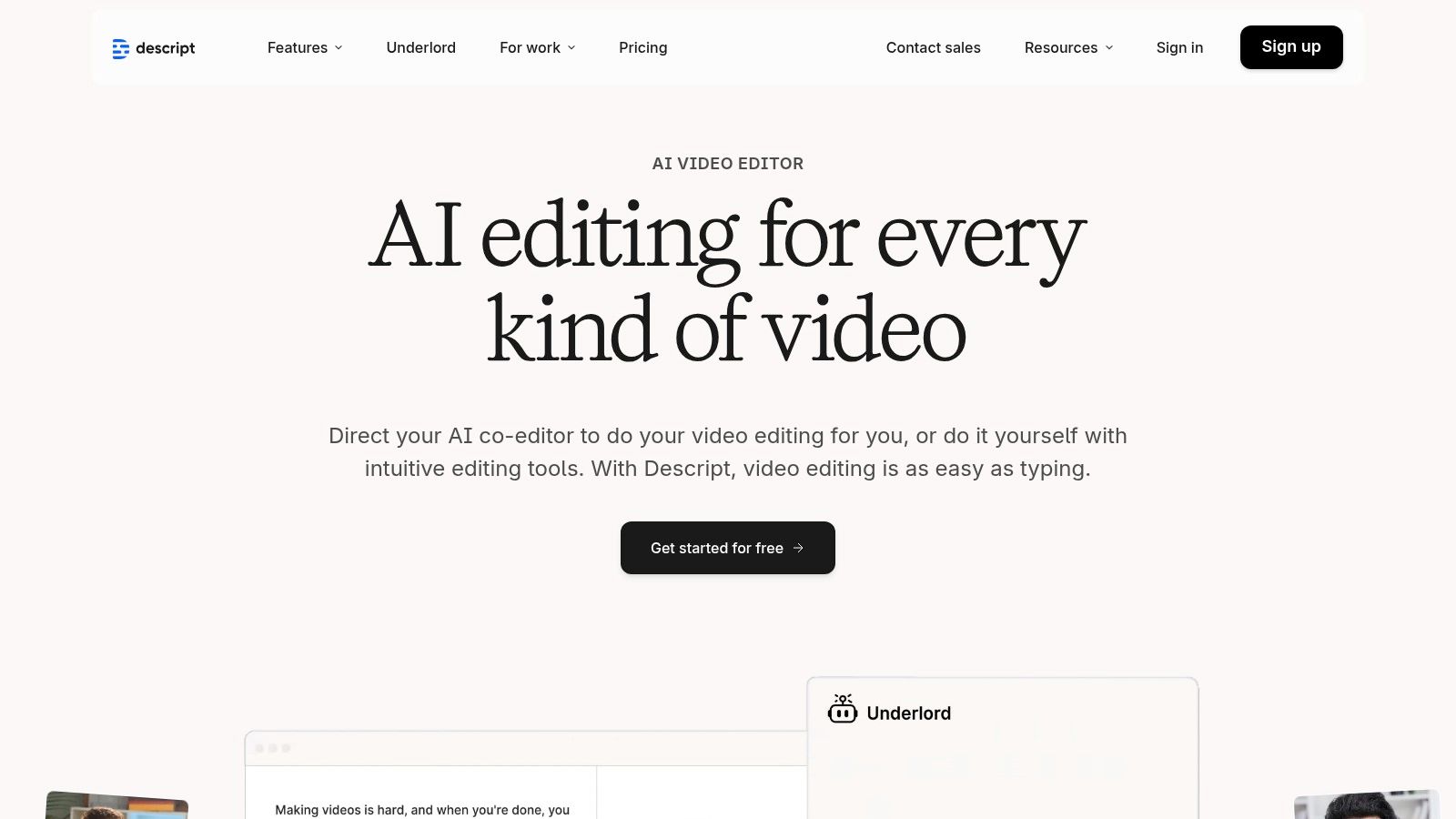
What truly distinguishes Descript is its end-to-end functionality. You can upload a webinar, get an instant transcription, remove filler words like "um" and "uh" with a single click, and then use its 'Repurpose' AI to automatically identify the most shareable moments. The platform's strong collaboration features, such as commenting and shared workspaces, are ideal for teams that require review cycles and feedback loops, streamlining the entire content creation process from raw recording to polished, exportable assets.
Key Features & Use Case
- Transcript-First Editing: Edit video and audio by simply editing the transcribed text, making complex edits fast and simple.
- Repurpose AI Suite: Tools to automatically find highlights, create clips, and generate highlight reels from long-form content.
- Studio Sound & Audio Enhancement: Remove background noise and enhance voice quality for professional-sounding audio.
- Strong Collaboration Tools: Enables teams to review, comment, and work together on projects in real-time.
Best for: Content teams and creators who need a single, all-in-one platform for editing, transcribing, and repurposing their webinars into multiple formats.
| Pros | Cons |
|---|---|
| All-in-one workflow from transcription to finished clips | AI usage is metered via credits, which can increase costs |
| Mature collaboration and export options for teams | Some users have noted occasional changes to pricing and limits |
| Intuitive text-based editing simplifies the process | Can be more complex than a simple clip-generation tool |
Descript's power lies in its versatility, acting as a complete production studio rather than just a clipping tool. If your goal is to turn a 60-minute webinar into a polished podcast episode, a series of short video clips, and accurately transcribed blog content, Descript provides the integrated toolset to do so efficiently.
Website: https://www.descript.com
4. Vizard.ai
Best for: Agencies producing high-volume video clips with integrated social scheduling.
Vizard.ai is a comprehensive repurposing tool designed to turn long-form webinar recordings into a high volume of social media-ready short clips. It focuses on efficiency, allowing users to extract dozens of shareable moments with its one-click AI clipping feature and even use text prompts for more precise extractions. For teams looking to streamline their entire workflow, Vizard stands out as a strong piece of webinar content repurposing software, integrating creation with distribution through its native social scheduler.
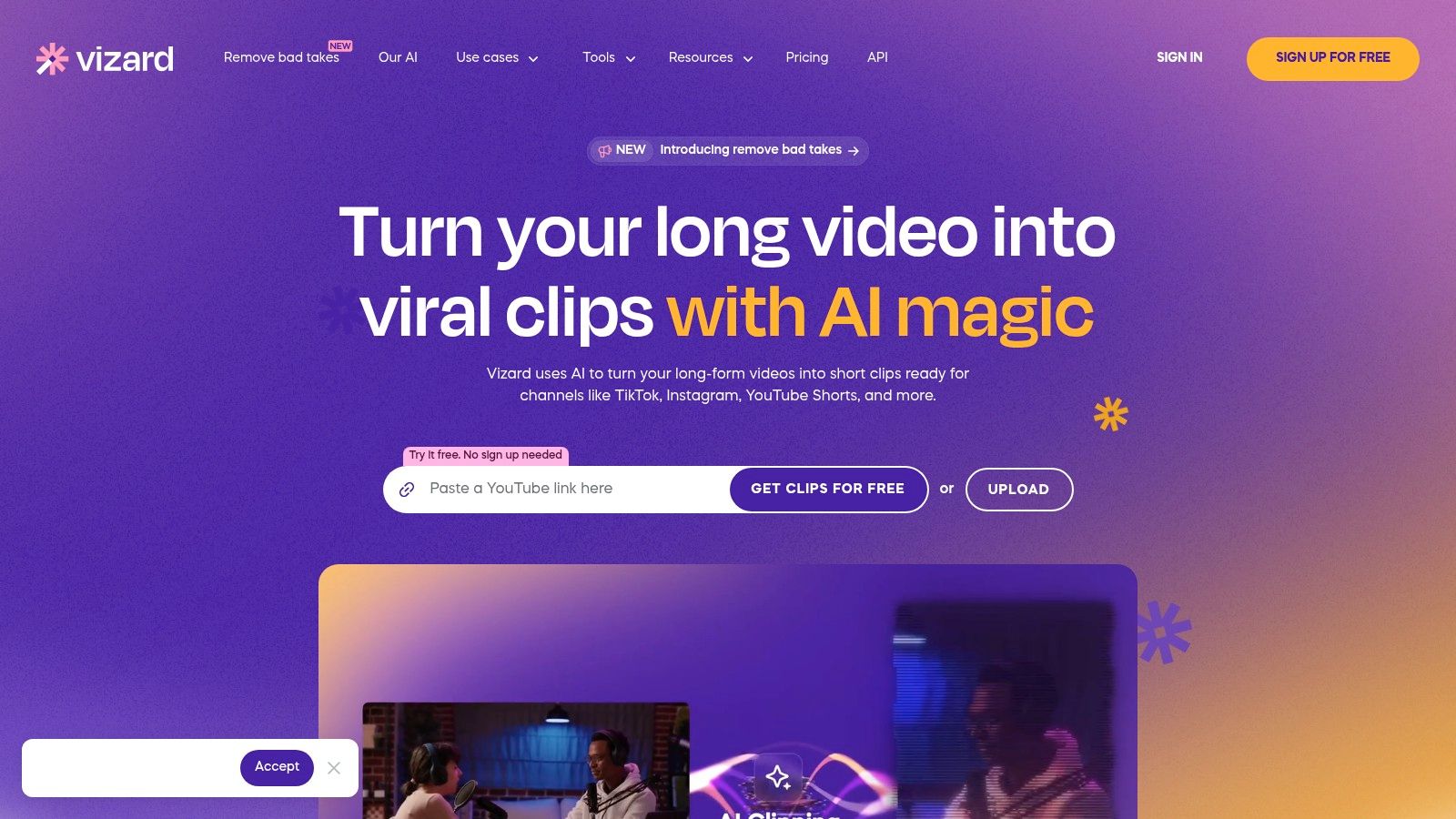
What makes Vizard particularly powerful for agencies and larger marketing teams is its emphasis on scale and brand consistency. The platform offers robust brand kits and team features, ensuring every clip aligns with brand guidelines, from logos to colour schemes and fonts. Furthermore, its API access on paid plans unlocks programmatic workflows, enabling the automated creation of clips in bulk. This positions Vizard as a scalable solution for content teams aiming to transform a single 60-minute webinar into a steady stream of engaging social content without significant manual intervention.
Key Features & Use Case
- One-Click AI Clipping: Utilises AI to automatically detect engaging moments, with the option for prompt-based extraction for more control.
- Social Scheduler: A built-in content calendar allows teams to schedule and publish clips directly to multiple social platforms.
- Brand Kits & Team Features: Centralises brand assets and provides team collaboration tools for consistent, on-brand outputs.
- API Access: Enables programmatic and automated clip generation, ideal for high-volume content workflows.
Best for: Digital agencies and content creators who need to produce a large quantity of short video clips from lengthy webinar recordings and automate the entire publishing process.
| Pros | Cons |
|---|---|
| Designed for high-volume clipping from long recordings | Pricing page renders dynamically; exact pricing is shown after sign-in |
| Integrated social scheduler simplifies content distribution | Advanced options and higher minute allowances require upper-tier paid plans |
| API and team features are well-suited for agencies and brands | Focus is primarily on video clips, less on other asset types |
Vizard's strength lies in its ability to manage the repurposing lifecycle from clip creation to social media publication within a single platform. For teams whose primary goal is to maximise the video output from their webinars and streamline distribution, Vizard offers a compelling, all-in-one solution that reduces the need for multiple, disconnected tools.
Website: https://vizard.ai
5. Quso.ai (formerly vidyo.ai)
Best for: An all-in-one clipping and social scheduling solution.
Quso.ai, which recently rebranded from the well-known vidyo.ai, is a mature and comprehensive video repurposing suite. It is engineered to take long-form content, such as detailed webinars, and automatically transform it into a high volume of social-media-optimised clips. The platform's core strength lies in its automated clipping and templating engine, which can generate shorts in various aspect ratios (9:16, 1:1, 16:9), making it a versatile piece of webinar content repurposing software for teams needing to feed multiple channels like Reels, TikTok, and LinkedIn.
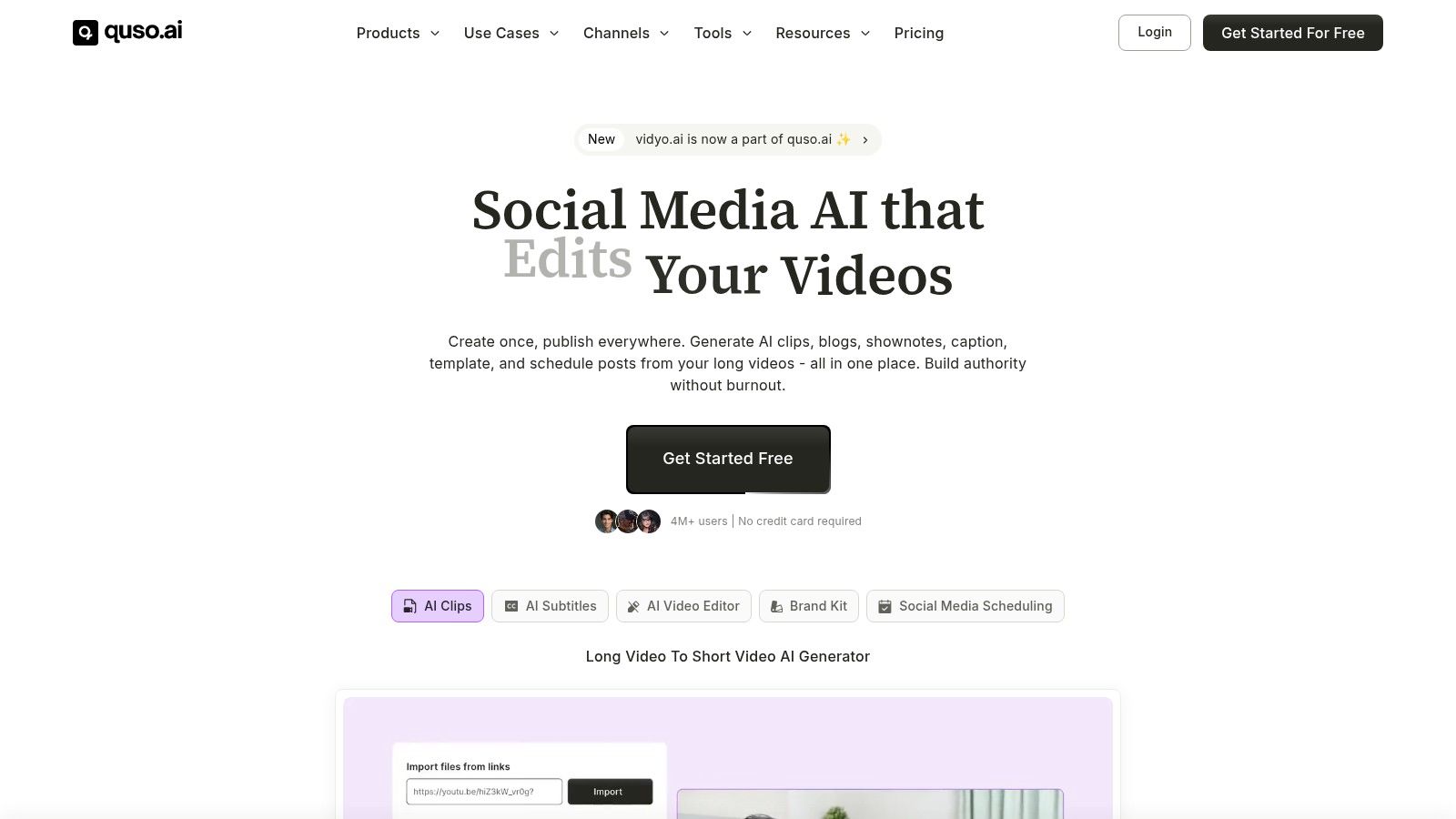
What makes Quso.ai stand out is its end-to-end workflow, which extends beyond simple clipping. After generating clips, users can apply brand kits, select from various templates, receive AI-driven hashtag suggestions, and even schedule posts directly to their social media accounts. This integrated approach saves significant time by consolidating several marketing tasks into a single platform. Its pricing is based on the number of minutes processed, with different subscription tiers offering higher export quality, such as 1080p for paid users, which is crucial for maintaining a professional brand image.
Key Features & Use Case
- Multi-Aspect Ratio Clipping: Automatically generates clips suitable for vertical, square, and horizontal formats from a single source webinar.
- Integrated Social Scheduling: Includes features for hashtag suggestions and direct scheduling, streamlining the content distribution process.
- Brand Kits & Templates: Ensures all video outputs are consistently on-brand with custom logos, colours, and fonts.
- Tiered Export Quality: Offers a free plan with 720p exports and paid plans that unlock full 1080p HD quality for sharper, more professional videos.
Best for: Content creators and marketing teams looking for an all-in-one solution to not only create short-form clips but also to manage and schedule their social media distribution.
| Pros | Cons |
|---|---|
| A mature, end-to-end workflow from clipping to scheduling | The recent rebrand from vidyo.ai may cause some confusion |
| Transparent, minutes-based pricing model | Pricing details and tiers are often clearer once logged into the app |
| Well-documented data safety and processing policies | Focus is heavily on short video clips for social media feeds |
The platform's all-encompassing feature set makes it a powerful choice for those who want to automate as much of their social video pipeline as possible. If your goal is to turn a single webinar into a steady stream of ready-to-post content with minimal manual intervention, Quso.ai provides a robust and time-tested solution.
Website: https://quso.ai
6. Castmagic
Best for: Generating a high volume of written content from webinars.
Castmagic is an AI-powered platform that excels at transforming a single webinar recording into a comprehensive suite of marketing assets. It goes beyond simple video clipping, focusing on generating both written and audio-visual content from your long-form audio or video files. This makes it an incredibly efficient piece of webinar content repurposing software for content teams aiming to turn a one-hour session into a month's worth of diverse content, including blog posts, social media updates, and audiograms.
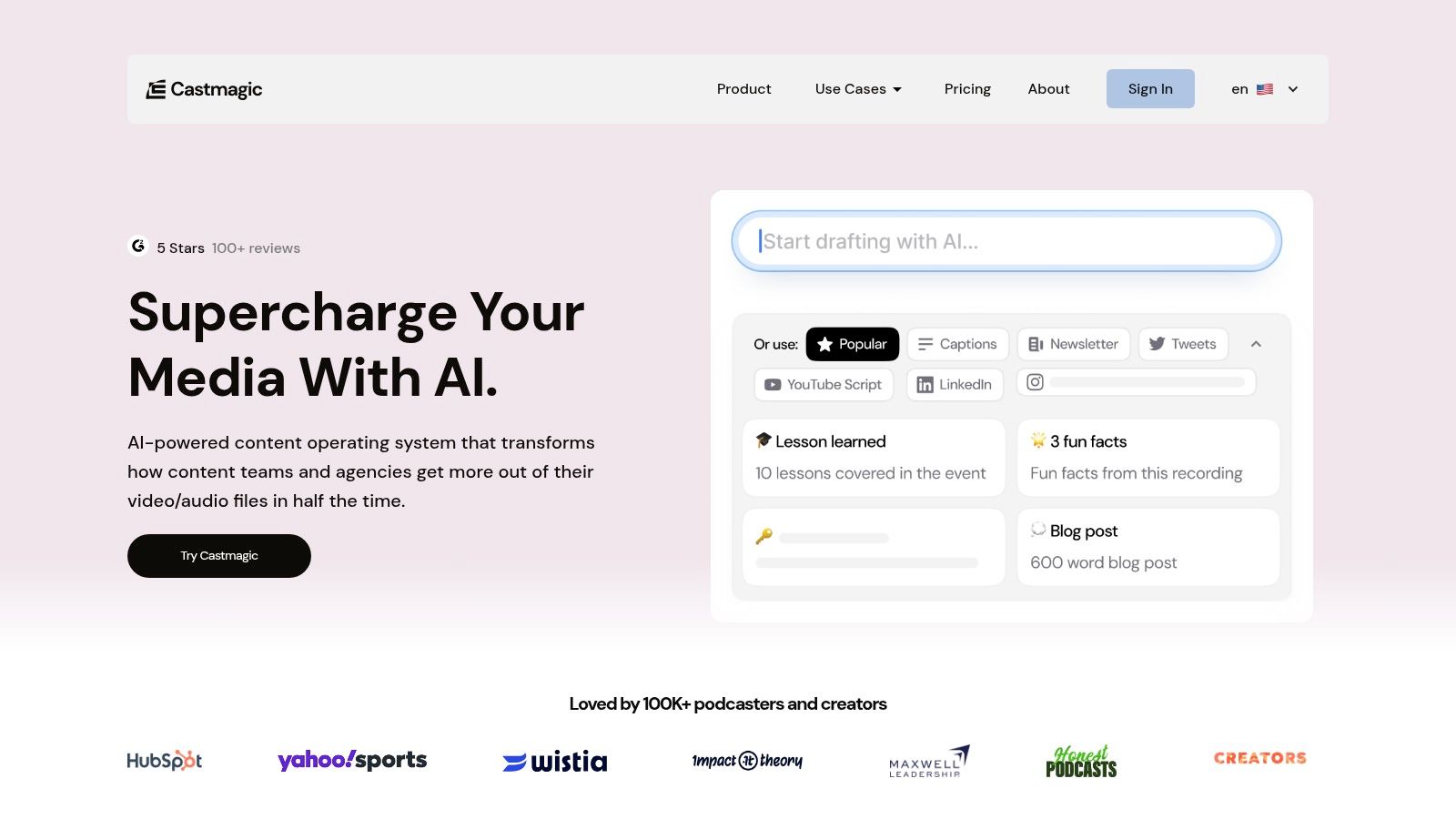
What makes Castmagic stand out is its emphasis on extracting and reformatting the core substance of your webinar. After uploading a recording or connecting it via Zoom or Google Drive, the AI transcribes it and then automatically generates show notes, key topics, hooks, and even fully drafted articles. The ability to use custom prompts allows users to guide the AI to create specific assets tailored to their brand voice, saving countless hours of manual writing and summarisation.
Key Features & Use Case
- Multi-Asset Generation: Automatically creates transcripts, show notes, blog posts, social media content, and audiograms from a single recording.
- Custom AI Prompts: Users can create and save custom instructions to guide the AI, ensuring content outputs align with specific campaign goals and brand voice.
- Workflow Integrations: Connects directly with Zoom, Google Drive, and Zapier to streamline the content ingestion and distribution process.
- Multi-Language Transcription: Supports transcription in various languages, broadening the accessibility of your webinar content for a global audience.
Best for: Content marketing managers and B2B teams who need to generate a high volume of written content and social assets from their webinars, not just video clips.
| Pros | Cons |
|---|---|
| Strong automation from one recording to multiple asset types | Usage is metered by hours/month, so heavy volumes require higher plans |
| Collaboration seats and team features are available on higher tiers | AI quotas on lower-tier plans can be restrictive for extensive use |
| Excellent for creating a wide variety of textual content | Less focused on advanced video editing and reframing features |
Castmagic’s strength lies in its ability to turn the spoken word into a foundation for your entire content calendar. If your primary goal is to populate your blog and social media feeds with written insights and summaries derived from your webinar discussions, this tool provides a powerful, automated solution that eliminates significant manual effort.
Website: https://www.castmagic.io
7. Repurpose.io
Best for: Automated, hands-off distribution of existing clips across social media.
Repurpose.io is a powerful automation platform that specialises in distributing and publishing content, rather than creating it from scratch. It excels at taking existing video or audio assets, like webinar clips, and automatically sending them across a vast network of social media channels. This makes it an essential piece of webinar content repurposing software for creators and marketers who want to establish a consistent, multi-platform presence without the constant manual effort of uploading and scheduling.
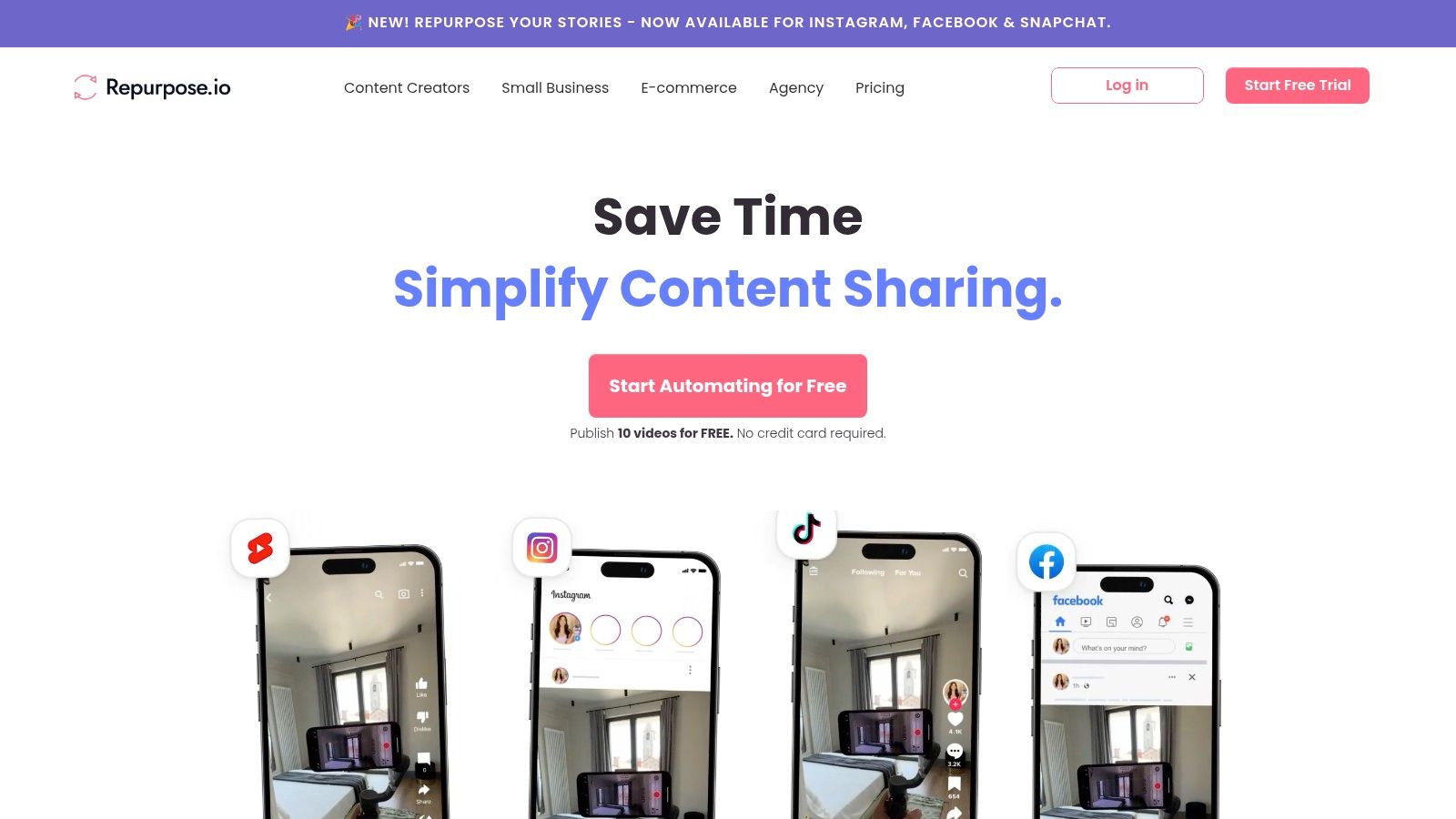
The platform’s strength lies in its intuitive workflow-based system. Users can create simple, automated "workflows" that trigger whenever new content is available from a source, like a Dropbox folder containing webinar clips. The workflow then automatically reformats the content (e.g., converting a horizontal video to a vertical clip with subtitles) and publishes or schedules it to destinations like TikTok, Instagram, YouTube, and more. This ‘set-and-forget’ functionality saves an enormous amount of time for teams focused on widespread, ongoing distribution.
Key Features & Use Case
- Automated Publishing Workflows: Set up rules to automatically publish content from sources like Google Drive or Dropbox to multiple social platforms.
- Auto-Resizing & Watermarking: Automatically reformats videos for different platforms and adds brand watermarks.
- Direct Scheduling & Publishing: Connect multiple accounts per network and schedule content directly, streamlining your social media calendar.
- Simple Workflow Templates: Get started quickly with pre-built templates for common repurposing scenarios.
Best for: Content creators and marketing teams who need an automated, hands-off system for distributing webinar clips across multiple social media channels simultaneously.
| Pros | Cons |
|---|---|
| Excellent for ongoing, multi-platform distribution and automation | Focused on distribution/automation rather than deep editing capabilities |
| Simple workflow metaphor is quick to operationalise and understand | Minutes/volume limits differ by plan and may constrain large teams |
| Wide range of platform integrations for both sources and destinations | The user interface can feel dated compared to newer, AI-first tools |
Repurpose.io is not a video editor at its core; it is an automation and distribution engine. It’s the ideal tool to add to your stack after you have created your clips, allowing you to build an efficient, automated pipeline that keeps your social channels consistently supplied with fresh content from your webinars.
Website: https://repurpose.io
8. Munch (GetMunch)
Best for: AI-driven clip selection focused on viral potential.
Munch is an AI-powered video repurposing platform that automatically extracts the most engaging and shareable moments from long-form webinar recordings. Its primary function is to create social-ready short clips complete with captions, streamlining the content creation workflow significantly. This makes it a strong contender as webinar content repurposing software for marketers looking to capitalise on video trends without a heavy manual editing workload.
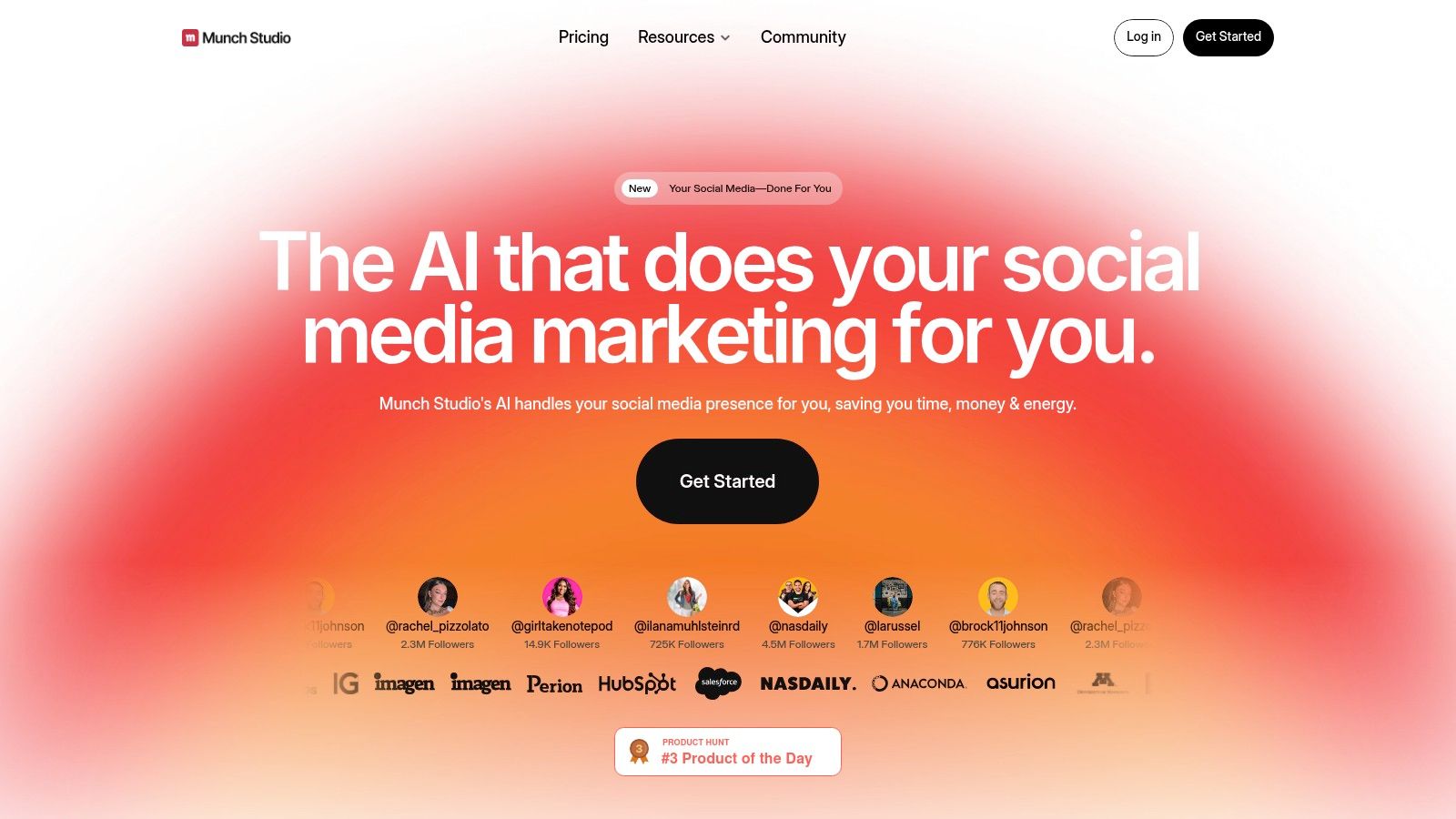
What distinguishes Munch is its focus on performance-driven clip selection. The AI doesn't just look for speaker activity; it analyses the content against social media trends and SEO signals to identify segments with the highest potential for engagement. This unique approach helps ensure that the clips generated are not just coherent but are also optimised for discovery on platforms like TikTok, Instagram, and YouTube. Its end-to-end workflow, from clip extraction to captioning and direct publishing, is designed to save teams valuable time.
Key Features & Use Case
- AI Clip Extraction with Trend Analysis: Identifies and extracts clips based on their potential to perform well, using social trend and SEO data.
- Auto-Captions & Formatting: Automatically generates captions and formats clips for specific social media platforms (e.g., vertical for Reels/Shorts).
- End-to-End Workflow: Manages the entire process from uploading a webinar to publishing the final clips directly to social channels.
- Multi-Language Support: Provides captioning in multiple languages to help expand your content's international reach.
Best for: Social media managers and content creators who want an AI-driven process that prioritises creating clips with high viral potential.
| Pros | Cons |
|---|---|
| Focus on selecting clips likely to perform well using trend data | Public pricing is not always clearly displayed; tiers may require direct verification |
| Complete workflow from clipping to publishing within one platform | Public reviews are mixed; support responsiveness should be evaluated during a trial |
| Intuitive and automated process saves significant editing time | Core focus is on short-form video, less on other asset types |
Munch offers a compelling, data-informed approach to video repurposing. For teams wanting to transform their webinars into a steady stream of optimised social content, it provides an efficient and intelligent solution. To better understand the full potential of repurposing, you can learn how to turn a webinar into social media posts with a broader strategy.
Website: https://www.getmunch.com
9. ContentFries
Best for: A cost-effective, high-volume solution for branded video clips.
ContentFries is a dedicated repurposing platform designed around the concept of batch processing. It allows users to take a single "pillar" piece of content, like a long webinar video, and efficiently slice it into dozens of smaller, branded "fries" or clips. This makes it an effective piece of webinar content repurposing software for creators and teams who value efficiency and want to generate a large volume of assets from a single recording without repetitive manual work.
What distinguishes ContentFries is its straightforward, template-driven workflow combined with a transparent pricing model. Users can create reusable templates with their branding, captions styles, and progress bars, then apply them across an entire batch of generated clips. This ensures brand consistency is maintained effortlessly. The platform's optional "Done-For-You" service, where a human reviews and perfects captions, also provides a valuable safety net for teams who need the highest level of accuracy without dedicating internal resources to proofreading.
Key Features & Use Case
- Bulk Processing & Exporting: Create and export dozens of clips from one video simultaneously using presets, dramatically reducing production time.
- Auto-Subtitles & Progress Bars: Automatically generate captions in over 120 languages and add engaging visual elements like progress bars.
- Transparent Credit System: The minutes-based credit system is easy to understand, allowing for clear budget management.
- Optional 'Done-For-You' Service: Access human-reviewed captions for guaranteed accuracy, ideal for high-stakes content.
Best for: Content creators and marketing teams looking for a cost-effective, high-volume solution to create consistently branded short-form video content.
| Pros | Cons |
|---|---|
| Low entry cost and a very transparent minutes/credit model | The user interface is more utilitarian than aesthetically polished |
| Excellent for batch processing and template-driven branding | Advanced creative effects are limited compared to full video editors |
| 'Done-For-You' caption service is a great value-add | Video storage retention windows differ based on the pricing plan |
The platform's core strength lies in its ability to multiply your content output with minimal repetitive effort. If your goal is to turn one webinar into a month's worth of consistently styled social media posts, ContentFries offers a practical and scalable system to achieve that.
Website: https://www.contentfries.com
10. Headliner
Best for: Quickly converting webinar audio into shareable audiograms.
Headliner is a popular and accessible tool focused on transforming audio content from webinars and podcasts into engaging, shareable video clips, often known as audiograms. It streamlines the process of taking a key audio segment, adding a waveform, background image, and captions, making it a simple yet effective piece of webinar content repurposing software. For marketers looking for a fast way to give their webinar audio a visual presence on social media without complex video editing, Headliner offers a direct and efficient solution.
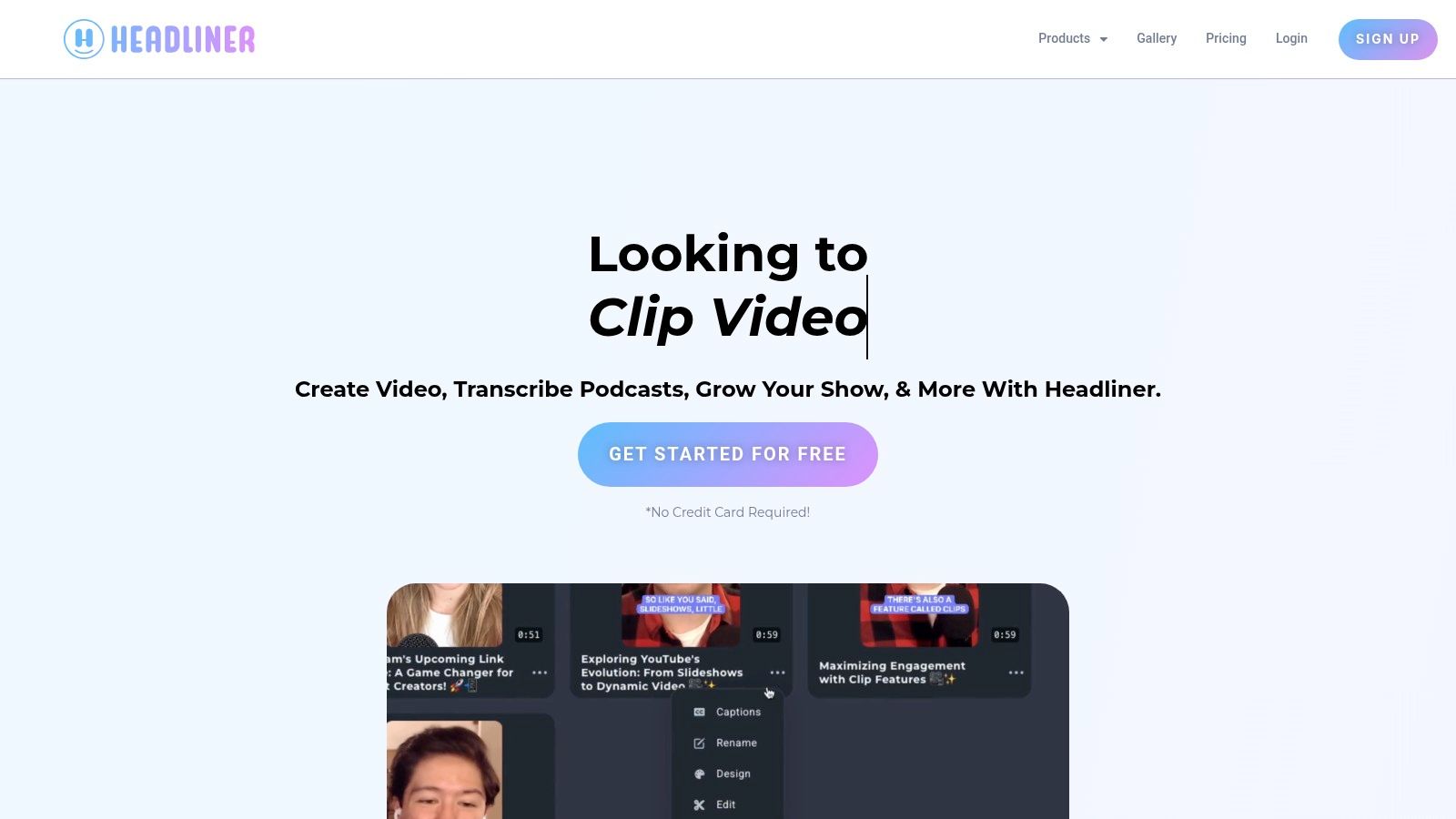
What makes Headliner stand out is its simplicity and focus on one core task: making audio shareable. The platform allows for full-length transcription, which helps users quickly identify compelling quotes or moments to turn into clips. With branded templates, custom fonts, and watermark options, teams can maintain brand consistency across all the assets they create. Its unlimited exports on the Pro plan are a significant draw for content creators who need to produce a high volume of social snippets without worrying about hitting a usage cap.
Key Features & Use Case
- Auto‑Audiograms: Automatically generates eye-catching waveform videos from audio files, perfect for platforms like LinkedIn and Instagram.
- Branded Templates: Customise clips with your brand’s colours, fonts, and watermarks to ensure a professional and consistent look.
- Full‑Length Transcription: Transcribe your entire webinar audio to easily locate the most impactful segments for repurposing.
- Unlimited Exports: The Pro plan offers unlimited video exports, removing barriers for high-volume content production.
Best for: Content marketers and social media managers who primarily want to convert webinar audio into visually appealing audiograms for social sharing.
| Pros | Cons |
|---|---|
| Simple, flat-rate plans and truly unlimited exports on Pro | Geared more towards audio and short video than deep video editing |
| Ideal for quickly converting webinar audio into visual snippets | Enterprise governance and advanced team features are limited |
| User-friendly interface that is easy to learn and operate | Lacks the advanced AI highlight-finding of some competitors |
Headliner’s strength lies in its straightforward, audio-first approach. If your primary goal is to take the best soundbites from your webinar and give them a visual life on social media, it's a fantastic and cost-effective tool. It efficiently solves the problem of how to share audio content on video-centric platforms, making it a valuable asset in any content marketer's toolkit.
Website: https://www.headliner.app
11. Wavve
Best for: Creating promotional audiograms and clips from webinar audio.
Wavve is a social video creator that excels at turning audio-focused content into visually engaging assets like audiograms and short clips. While not exclusively for webinars, its toolset is highly effective for repurposing the audio track of a presentation into shareable social media content. This makes it a strong piece of webinar content repurposing software for marketers who want to highlight powerful audio quotes or soundbites from their sessions, transforming them into brand-styled videos optimised for social feeds.
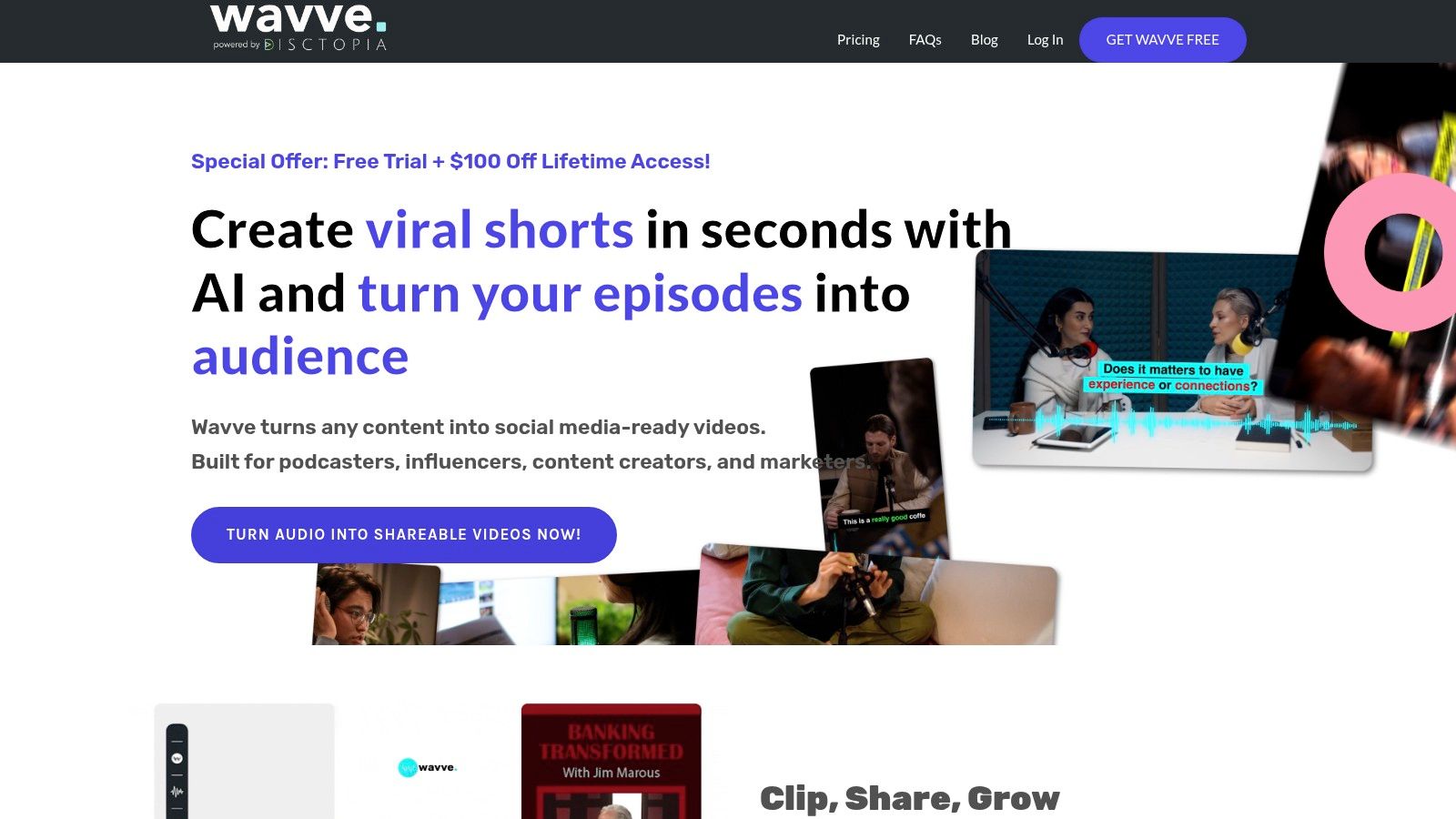
What makes Wavve a practical choice is its straightforward, template-driven workflow. Users can upload their webinar audio, select key segments, and apply a branded template with animated waveforms and captions to create a professional-looking video in minutes. The platform's AI hotspot identification helps to quickly pinpoint key moments, and its built-in social scheduler allows for direct publishing to platforms. This simplicity is ideal for teams needing to produce a steady stream of promotional clips without a steep learning curve or complex editing software.
Key Features & Use Case
- Audiogram & Short Clip Creation: Specialises in turning audio clips into animated videos with custom branding and waveforms.
- AI Hotspot Identification: AI assists in finding the most engaging segments of your webinar audio to save time.
- Templates & Multi-Ratio Exports: Easily create on-brand clips in square, vertical, or horizontal formats for any social platform.
- Social Scheduler: Natively schedule your repurposed content to be posted on your social media channels.
Best for: Content creators and marketers who want to primarily repurpose webinar audio into engaging audiograms and short promotional clips for social media.
| Pros | Cons |
|---|---|
| Clear pricing and plans for individuals and agencies | Export limits per month on lower-tier plans can be restrictive |
| Good balance of ease-of-use and professional branded output | Not a full video editor; deeper edits require other tools |
| Excellent for creating audio-first social media content | Focus is more on audio than video highlights from webinars |
Wavve's strength lies in its ability to quickly transform powerful spoken moments from a webinar into shareable, visually appealing assets. If your repurposing strategy leans heavily on highlighting expert quotes and audio soundbites to drive engagement on platforms like LinkedIn or Instagram, Wavve offers a streamlined and effective solution.
Website: https://wavve.co
12. Riverside Magic Clips
Best for: Riverside users who want a seamless, all-in-one repurposing solution.
Riverside Magic Clips is an AI-powered feature built directly into the Riverside recording and editing platform. It is designed to streamline the post-production workflow, automatically identifying key moments from long-form recordings and transforming them into shareable short-form videos. For teams already using Riverside to record their webinars and podcasts, it offers an integrated solution, making it a highly efficient piece of webinar content repurposing software that connects recording directly to distribution without needing multiple tools.
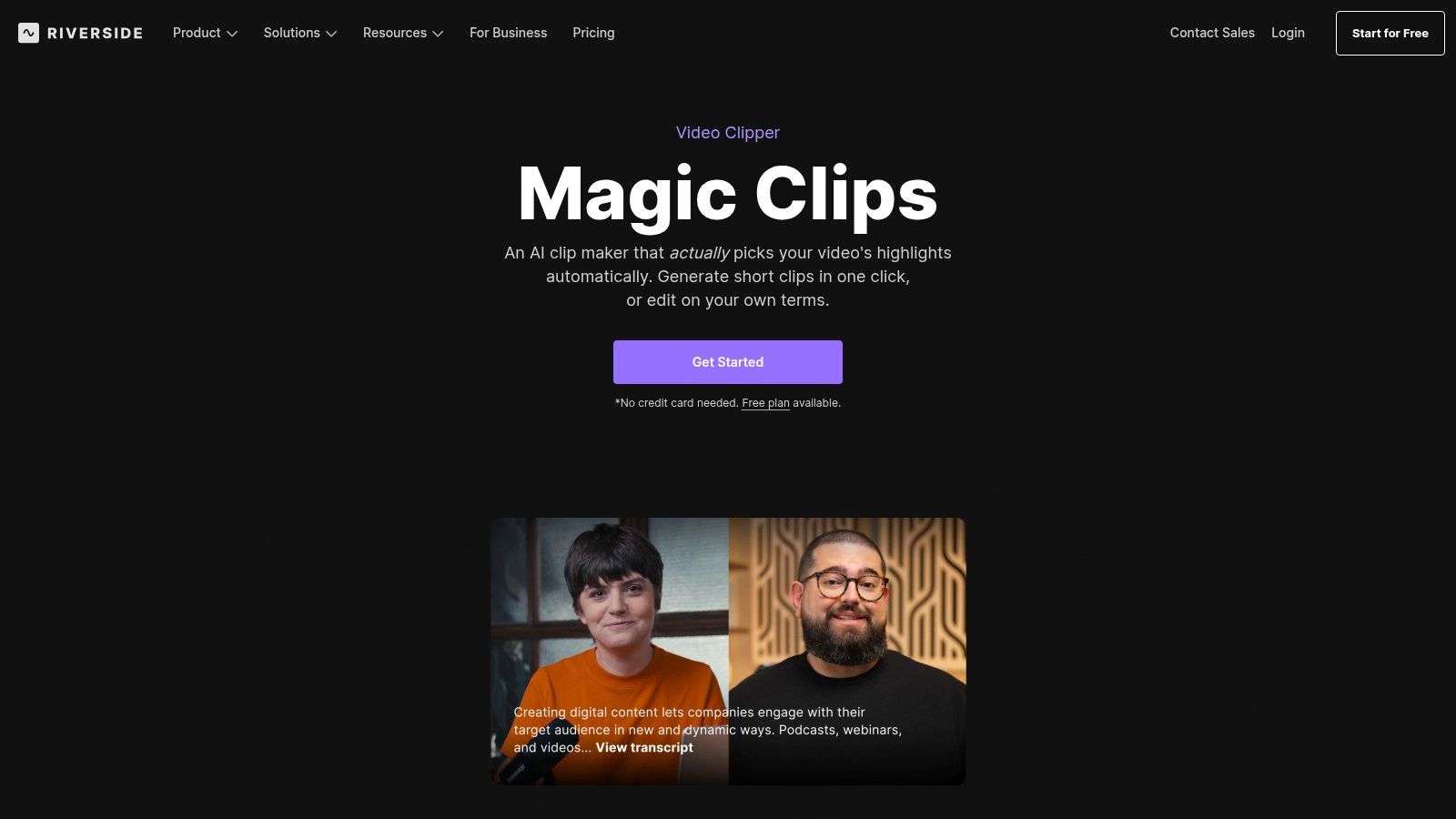
What makes Riverside Magic Clips stand out is its native integration. The AI scans your recording's transcript to find the most compelling segments, which you can then instantly reframe for vertical platforms like Reels, Shorts, and LinkedIn with a single click. Beyond short clips, its Magic Segments feature can create longer 3-10 minute highlight reels, perfect for YouTube or a gated content library. The text-based editor further simplifies the process, allowing users to trim video as easily as editing a document, ensuring a smooth transition from live event to finished asset.
Key Features & Use Case
- Integrated Workflow: Record, edit, and create clips all within one platform, eliminating the need to download and upload large files.
- AI Highlight & Segment Detection: Automatically finds both short, viral-ready clips and longer, more substantial highlight reels.
- Text-Based Video Editing: A simple and intuitive way to make precise edits by editing the transcript directly.
- Platform-Specific Reframing: Automatically formats and adds animated captions for all major social media platforms.
Best for: Content teams and creators who already use Riverside for recording webinars and podcasts and want a seamless, all-in-one repurposing solution.
| Pros | Cons |
|---|---|
| Excellent all-in-one record, edit, and clip workflow | Best experience is with recordings made inside Riverside |
| Text-based editing is highly intuitive and fast | AI feature usage may be limited depending on your plan |
| Magic Segments feature is great for creating longer highlights | Less powerful as a standalone tool if you use other recording software |
The platform's strength lies in its unified ecosystem. If your team is looking to simplify its tech stack and reduce the time between recording a webinar and publishing derivative content, Riverside’s built-in tools provide a compelling, frictionless path. It’s an ideal way to turn a single recording into a multi-channel content campaign without ever leaving the platform.
Website: https://riverside.fm/magic-clips
Top 12 Webinar Repurposing Tools Comparison
| Product | Core features | Asset types & branding | Speed & workflow | Target audience | Pricing & USP |
|---|---|---|---|---|---|
| RepurposeMyWebinar | AI insight extraction; Brand Kit (logos/colors/fonts); multi‑language; team collaboration; unlimited uploads (tiers) | Image quotes, LinkedIn posts, SEO blogs, short videos, audiograms, translations — export‑ready on‑brand | Most 60‑min webinars process in 5–10 min; replaces multi‑hour manual workflows; review & download in minutes | B2B marketers, agencies, enablement teams, founders | Free trial (10 credits/mo); Starter/Growth/Scale ($99/$149/$299) + add‑on credits; USP: speed + breadth + on‑brand consistency |
| Opus / OpusClip | ClipAnything & Reframe AI; brand templates; team workspaces; API; auto‑captions | Short social clips, reframed video, captions | Advanced highlight extraction & auto‑reframing; API for programmatic scale | Creators, teams, enterprises needing automated clipping | Credits/“man‑hours” model; USP: powerful AI clipping & reframing models |
| Descript | Transcript‑first editor; Repurpose AI (clips, highlights, translate/dub); audio enhancement | Clips, highlight reels, translated/dubbed versions, transcripts | End‑to‑end transcript→edit workflow; strong collaboration; AI metered by credits | Podcasters, creators, teams needing iterative editing | Freemium + paid tiers; AI usage credits; USP: transcript‑driven editing + team collaboration |
| Vizard.ai | One‑click AI clipping; social scheduler; brand kits; API | Bulk short clips, scheduled posts, branded outputs | Built for high‑volume/batch clipping; calendar + automation | Creators, agencies, brands with large volumes | Paid plans with API; pricing dynamic after sign‑in; USP: bulk clipping + scheduling |
| Quso.ai (vidyo.ai) | Auto‑clipping into 9:16/1:1/16:9; brand kit; templates; scheduling; auto‑captions | Multi‑aspect social clips, templates, scheduled posts | Minutes‑based processing; different export quality tiers (720/1080p) | Shorts/Reels creators, social teams, agencies | Minutes‑based plans; in‑app pricing; USP: multi‑ratio auto‑clipping for social |
| Castmagic | Multi‑language transcription; blog/social generation; audiograms; Zoom/Drive/Zapier integrations | Transcripts, blogs, show notes, social posts, audiograms | Automated long‑form → multi‑asset pipelines; custom prompts | Marketers needing both textual & media assets from recordings | Hours/month metering; USP: strong text + media automation and integrations |
| Repurpose.io | Workflow automation; auto‑resize; direct publishing/scheduling; backups | Resized clips, scheduled posts across platforms | Set‑and‑forget publishing workflows; quick to operationalize | Teams needing distribution automation and backups | Tiered plans; USP: reliable multi‑platform distribution automation (less deep editing) |
| Munch (GetMunch) | AI clip extraction tied to trend/SEO signals; auto‑captions; publish workflows | Social‑ready clips with captions; publish templates | End‑to‑end clip→caption→publish; trend‑aware selection | Social marketers, creators focused on performance | In‑app pricing; USP: trend/SEO signals to pick high‑performing clips |
| ContentFries | Bulk clip generation & exports; auto‑subtitles (120+ langs); templates; optional DFY | Many short branded "fries"; bulk exports & subtitles | Batch processing & template workflows; transparent minutes/credit model | Agencies, brands needing batch repurposing | Credit/minutes model; USP: low entry cost + bulk/template focus |
| Headliner | Audiograms; transcription; branded templates; unlimited exports (Pro) | Audiograms, short videos from audio, captions | Fast audio→visual clipping; simple workflow | Podcasters, audio‑first creators | Flat plans; Pro offers unlimited exports; USP: easy audiogram + podcast clipping |
| Wavve | AI hotspot detection; templates; captions; scheduler | Branded audiograms & short clips, multi‑ratio exports | Easy hotspot→clip workflow with scheduling | Individuals to agencies creating social clips from audio/video | Tiered plans by user/agency; USP: clear tiers + hotspot detection |
| Riverside Magic Clips | AI highlight detection; auto‑reframe; Magic Segments; animated captions | Shorts/Reels/LinkedIn clips, captions, 3–10 min repurpose cuts | Integrated record→clip→share inside Riverside; best with Riverside recordings | Riverside users, podcasters, remote teams | Included with Riverside tiers; USP: seamless integration with recording/studio workflows |
Your Next Step: From Overwhelmed to Fully Optimised
You've just navigated the dynamic landscape of modern webinar content repurposing software. The days of leaving valuable, hard-won webinar content to gather digital dust are officially over. As we've explored, the technology now exists not just to simplify this process, but to transform it into a powerful, scalable marketing engine that drives measurable ROI.
The central takeaway is clear: webinars are no longer just one-off live events. They are the nucleus of a comprehensive content strategy, capable of generating weeks, or even a full month, of high-quality assets from a single one-hour recording. From OpusClip's viral-focused short-form video generation to Descript's text-based audio and video editing, each tool offers a unique strength. However, relying on a patchwork of specialised tools often recreates the very problem you're trying to solve: inefficiency, inconsistent branding, and spiralling subscription costs.
How to Choose the Right Platform for Your Needs
Selecting the ideal software requires a shift in mindset from "how can I cut this webinar?" to "how can I maximise the value of this entire recording?". To make the right choice, evaluate potential tools against these critical business needs:
- Asset Variety and Volume: Does the tool only create short video clips, or can it generate a complete campaign of assets? Look for platforms that produce blog posts, audiograms, branded quote images, and social posts alongside video content. True efficiency comes from getting everything you need in one place.
- Brand Consistency: How much control do you have over the final output? Your repurposed content must look and feel like it comes from your brand. Prioritise software that offers robust customisation, allowing you to upload brand kits, define colour palettes, add logos, and use custom fonts across all asset types.
- Workflow Integration and Speed: The goal is to eliminate manual work, not just shift it around. The best webinar content repurposing software should offer a seamless, AI-driven workflow that takes you from raw recording to a portfolio of ready-to-publish assets with minimal intervention. Ask yourself: does this tool save me hours, or just minutes?
- Return on Investment (ROI): Consider the cost of inaction or manual repurposing. Calculate the time your team spends transcribing, editing video, and designing graphics. A comprehensive platform should replace the need for multiple subscriptions and reduce reliance on freelancers or agencies, delivering a clear and immediate return.
Your Path to a Fully Optimised Content Engine
The ultimate goal is to build a system where every webinar automatically fuels your marketing channels. The right platform moves you away from the time-consuming, manual grind of downloading recordings, sending them for transcription, highlighting key moments, briefing designers, and writing social copy from scratch.
Instead, you can create a repeatable process that turns one 60-minute webinar into a 30-day content calendar. Imagine uploading your recording and, within minutes, receiving a polished blog post, 10-15 shareable video clips, and a series of branded image quotes. This isn't a future possibility; it's what the leading all-in-one solutions deliver today. By making this strategic investment, you empower your team to focus on strategy and distribution, not tedious production tasks. You ensure every ounce of value from your expensive webinar programme is extracted, amplified, and put to work engaging your audience and driving business growth.
The landscape of webinar content repurposing software is vast, but if your goal is to turn a single recording into a complete, on-brand content campaign without juggling multiple tools, the choice is simple. RepurposeMyWebinar is the all-in-one platform built specifically to eliminate manual work and maximise the ROI of your video content. Experience the speed and simplicity for yourself by visiting RepurposeMyWebinar to start your free trial today.